
Do I Need Special Cables or Equipment to Install a Matrix Switcher?
Installing an SDI matrix switcher is simpler than most first-time buyers expect, but a few details are easy to get wrong before the gear arrives.
Key takeaways
- SDI matrix switchers use standard 75-ohm BNC coax cable, not HDMI, for signal runs.
- Keep copper SDI runs under roughly 100-150m; beyond that you need fiber extension.
- A 1RU rack space and a standard power outlet is normally all the physical install needs.
- Control wiring (LAN or RS-232/RS-422) is optional but worth running during install even if unused at first.
Cabling: BNC coax, not HDMI
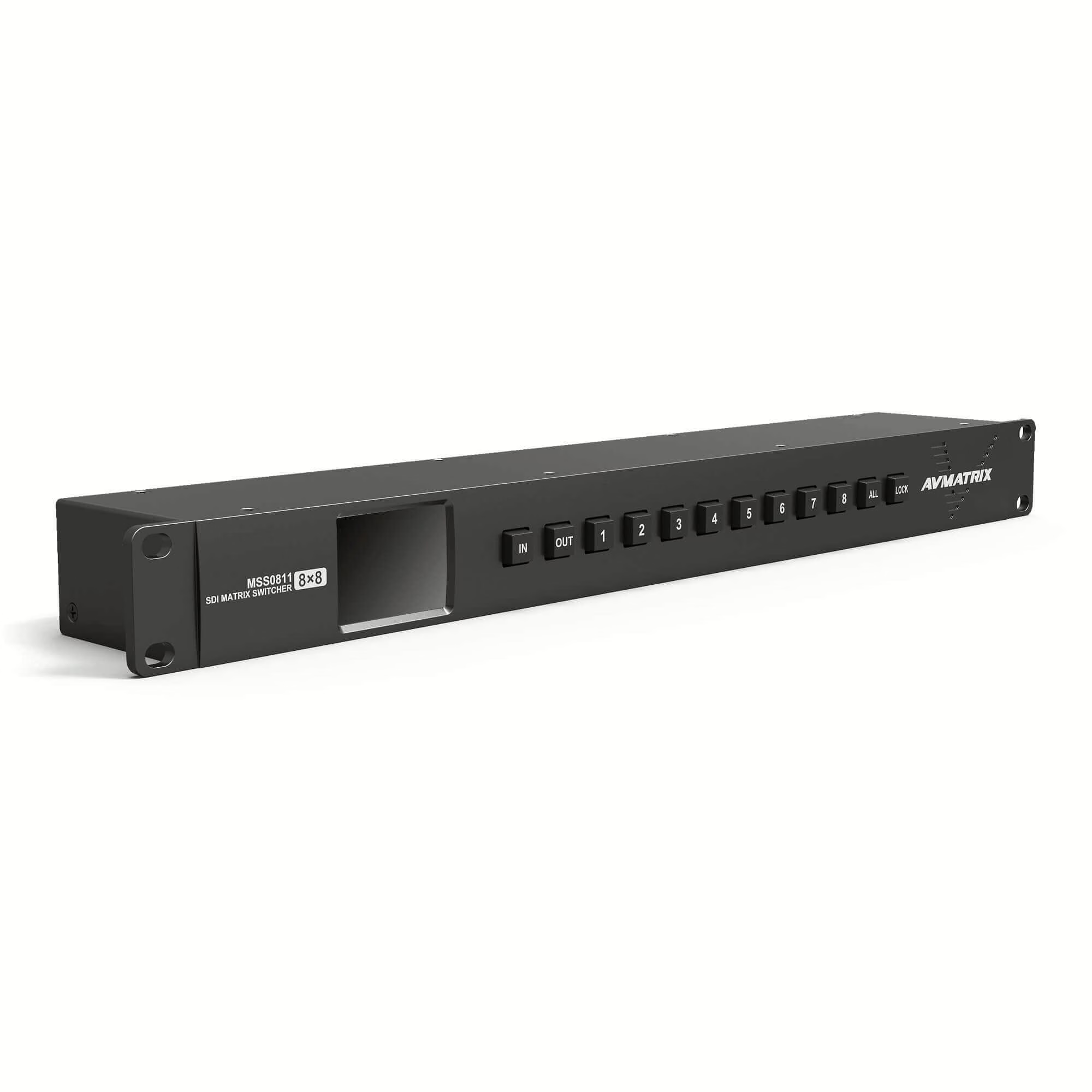
AVMATRIX matrix switchers such as the MSS0811 and MSS1611-S use standard 75-ohm BNC coaxial cable for every SDI input and output — the same cable type used throughout broadcast facilities. No proprietary cabling is required.
Rack space and power
Both units are 1RU, so a single rack space per matrix is all the physical footprint you need, plus a standard mains outlet (the MSS1611-S has dual redundant power inputs for resilience).
Distance planning before you cable the room
Standard SDI cable runs reliably up to roughly 100-150 metres. If any source or display sits further away, plan for a fiber extender from day one rather than discovering the problem after cabling is finished.
Control wiring is worth running early
Even if you plan to control the matrix from its front panel initially, running a LAN cable (and RS-232/RS-422 if integrating with a room-control system) during the same install visit saves reopening ceiling voids or trunking later.
Not sure which model fits your channel count and budget? Our team can size a system for you.